iOS 7

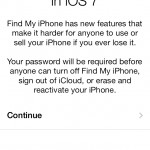
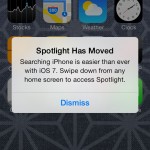
iOS 7 is a major upgrade of the mobile OS for iPhones and iPads.

As Apple always focus on providing a great user experience over support for older models, the introduction of iOS 7 leaves behind a few devices.

iOS can only be upgraded on the following devices

  • iPhone 4
  • iPhone 4S
  • iPhone 5
  • iPad 2
  • iPad 3rd Generation
  • iPad 4th Generation
  • iPad Mini
  • iPod Touch 5th Generation

For the early adopters of the iPad, sorry but it’s time to upgrade. I do have the first version of the iPad and it’s running the most up to date iOS 5.1.1.  It’s still in daily use although it feels a bit sluggish compared to my iPhone 5 running iOS 6.

iPhone 4 users can upgrade to the latest iOS 7 but I’m going to leave my old iPhone 4 on iOS 6. Some people have reported that the user interface is a bit slow.

The iOS 6 is still quite good with notification center over the iOS 5. However closing apps is a chore as you have to hold the icon down for a few seconds to close it. Other than that, I would choose to have the speed over the extra features of iOS 7 on the older iPhone 4.

Although some of the features of the iPhone 5C are nice like the much improved camera, like most people who are locked in a two year mobile contract, I can’t upgrade to the latest.

Updating to iOS 7 feels like getting a new phone and will tide me over till the iPhone 6 is out. If you have the iPhone 4S or 5, do make the upgrade.

The new icons and animation is very beautiful and smooth. I found it fast and it does not feel sluggish on the iPhone 5.

Upgrade Process

1. Update your iTunes to the latest version

2. Backup and sync your iPhone

3. Ensure that purchases done on iPhone are transferred.

4. Download and update to iOS 7 from iTunes.

The iOS 7 is a hefty download at more than 700mb depending on the device. As such, I would recommend updating while connected to the computer instead of over the air.

AutoCad On Mac, iPhone, iPod Touch & iPad

A few months ago, AutoCad for Mac beta was released under a code name called Sledgehammer. This marks the return of AutoCad to the Macintosh platform since the last compatible version at AutoCad R12.

With the proliferation of the iPhone and iPad in the business environment, AutoCad WS was released for the iPhone, iPod Touch and iPad as a free application on 29th September 2010 before the launch of AutoCad for Mac. While Autocad WS is free, AutoCad for Mac will be priced the same as AutoCad 2011 for Windows PC’s.

Moving to a new home

At present, all the Macs are scattered everyone. A few of them are displayed on a shelf while the rest are tucked in the store room and around the house.

The metal framing of the shelf was bought from ikea and the timber shelves salvaged from a shop that closed down.

As we are moving to a new place, it’s time to create a nicer display and work area. New white laminated timber shelves have been ordered and there’s now a small room approximately 1.5m x 2.8m to display the collection. 

(Photo Coming Soon…)

Behind the frosted glass is the kitchen. Initially we wanted to have it as clear glass so the Macs were viewed from the kitchen. But knowing that it might get pretty messy at times with Macs taken apart for repairs we decided to keep the glass frosted so that all the mess is contained within the room.

The frost is just a sticker and we intend to remove the frosted sticker over the little window on the right to place an LCD monitor for viewing recipes and catching up on the news or weather from the kitchen. Now if only I could find a cheap Apple Cinema Display.

(Photo Coming Soon…)

While the renovation works are going on, the Macs have been stored in the guest room. The wardrobe is filled with Macs. There’s the two Twentieth Anniversary Macintosh.

3rd Generation iPod

After leaving the iPod to dry for slightly over a week, everything was put back together except the battery.

Since the battery was already leaking, we did not plug it into the iPod. When the iPod was connected there was sad to say no response.

A search online found people with old iPods disconnecting the battery and it is still able to work when connected to a power source.

So this is it I guess, the iPod is dead.

3rd Generation iPod Take Apart

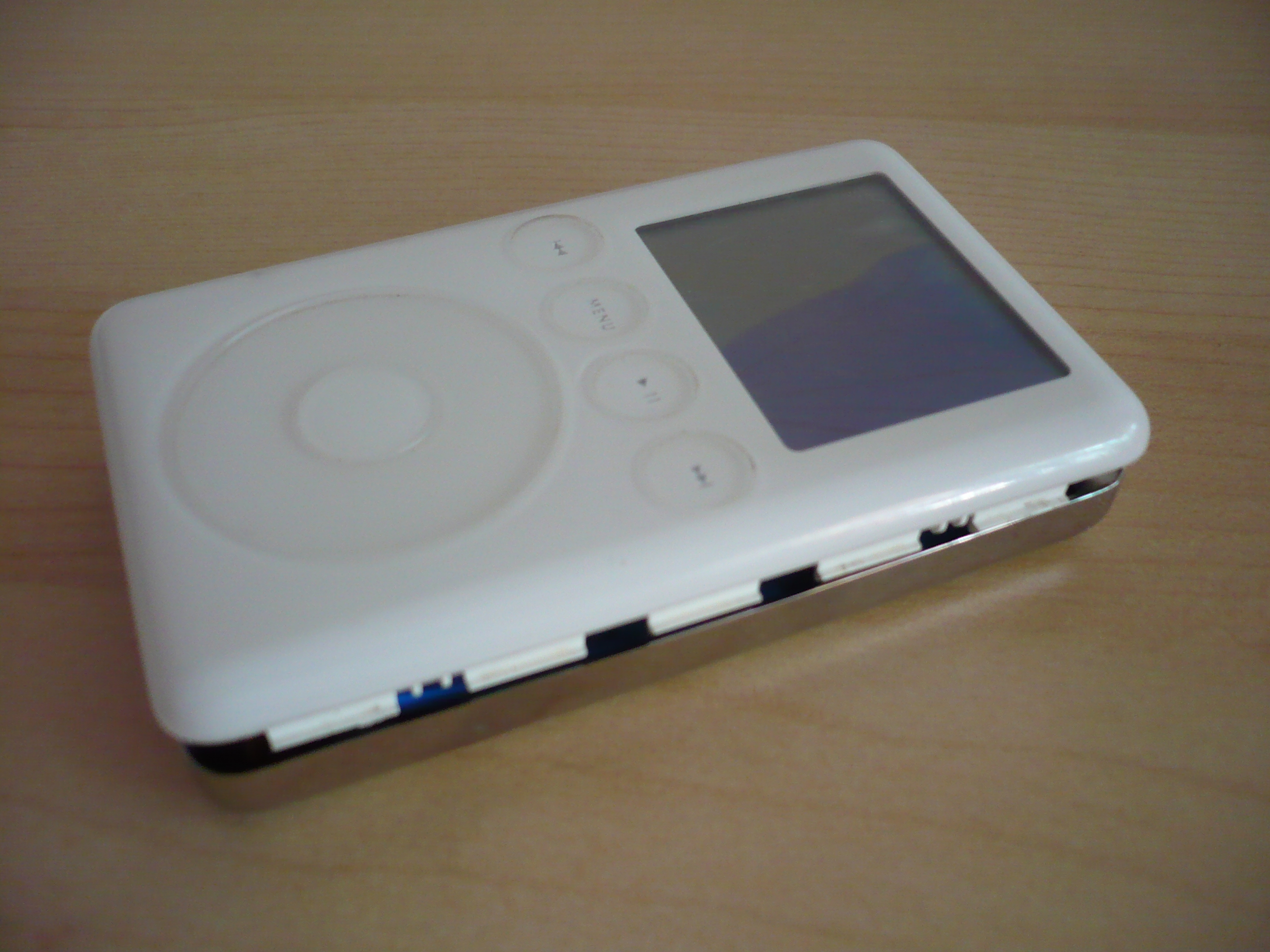
Almost every Apple product is well detailed. From the external, there are no visible screws that hold the casing together.


To open the iPod, a thin plastic piece is used to pry the white plastic from the metal back. There are a few clips along the side and bottom. Places like Ebay and electronics shops may also stock iPod opening tools. I did not have one on hand and improvised with a swiss army knife. The case already has a few scratches and it looks like someone has attempted or opened this iPod before.


In the past when opening up a Mac Mini, I used an old ATM card. Someone suggested using a guitar pick as it is also a soft material and would leave major marks on the case. 

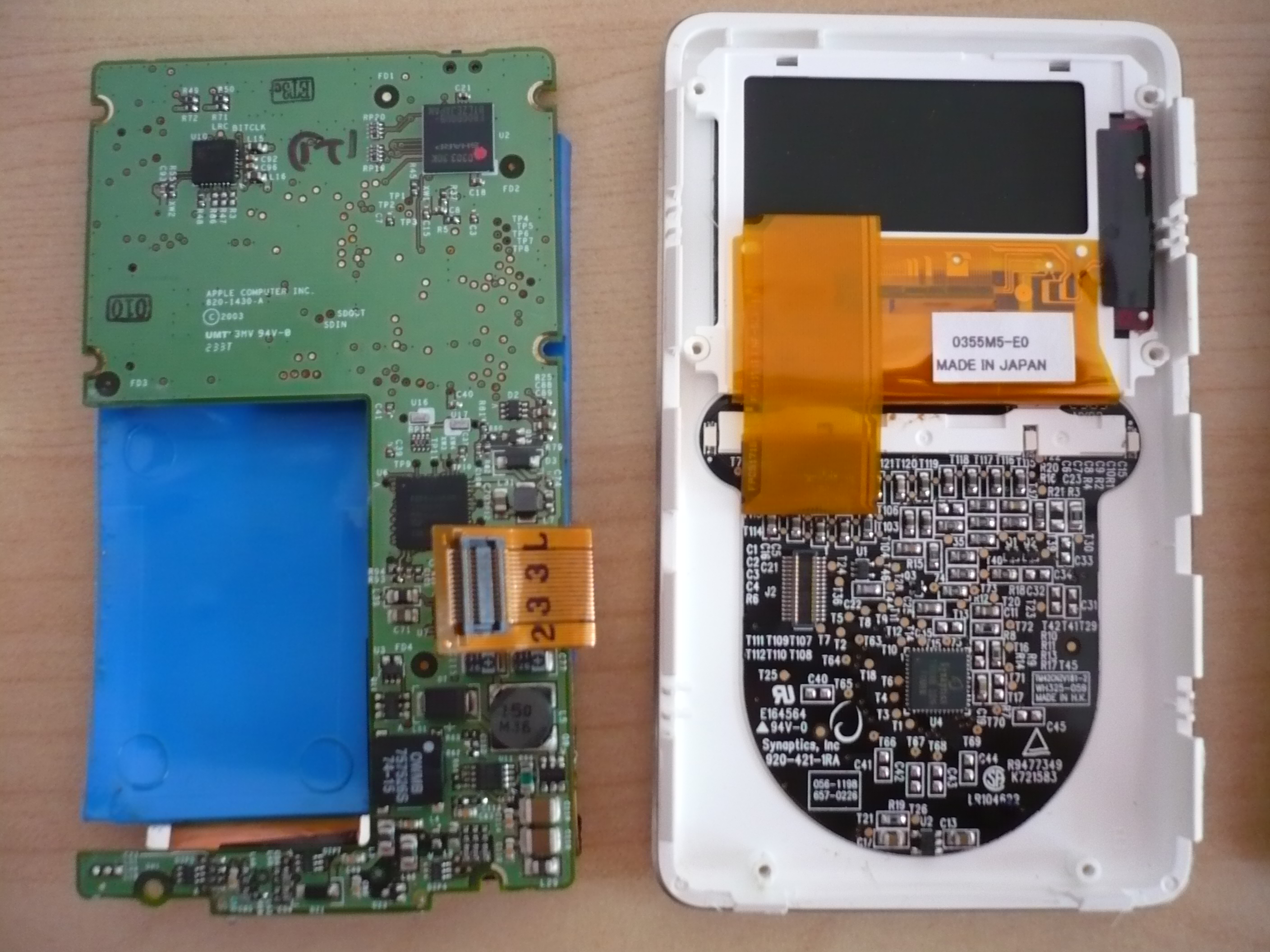
After prying the back metal case off, be careful as the audio connector is connected to both the back plate and the front bezel. The 1.8 inch hard disk takes up quite a bit of space. Below the hard disk is the circuit board and battery. 

There appears to be a liquid on the blue rubber gasket holding the hard disk and also on the circuit board. We thought it might have been the LCD but it looks like the battery is the culprit. The area around the LCD looks clean and dry though. As the LCD has cracked, we removed it to prevent more chemicals from spilling out. 

The battery and LCD is wrapped carefully and disposed off while the circuit board, back case and rubber gasket is dunked into a bowl of soapy water. We read someone before that a Compact Mac was saved this way. For now, the parts are being air dried.

We will try to put it back together next week. Any suggestions and ideas what to do with the casing if the iPod still refuses to work?

2nd & 3rd Generation iPods

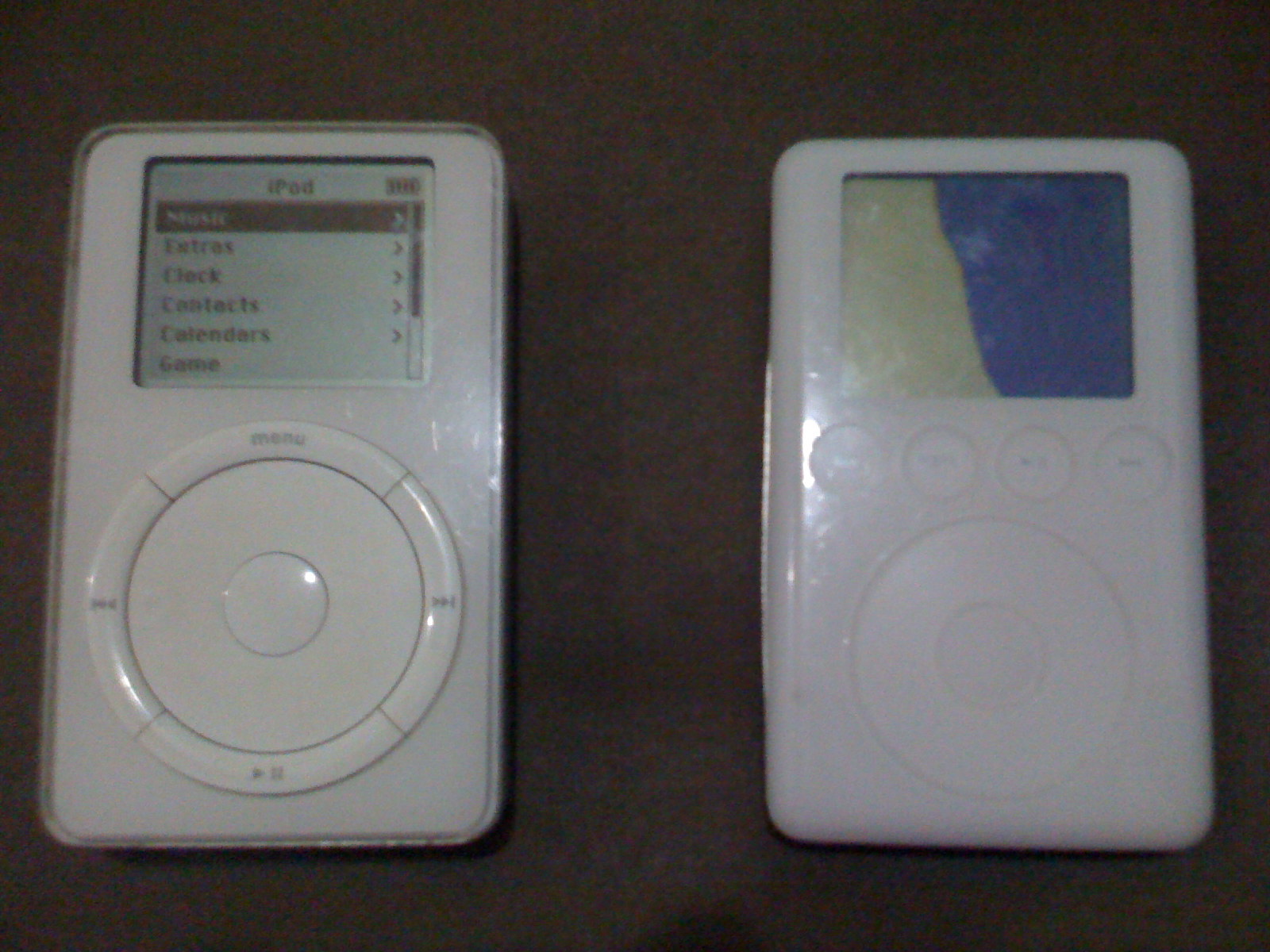
Today’s find is a pair of 2nd and 3rd generation iPods. 

The 2nd generation iPod was first released on 17th July 2002 in 10gb and 20gb capacities. The iPod in hand is the 20gb version. It is synced to iTunes through a firewire 400 cable. The form factor and design is similar to the original iPod except for a touch sensitive wheel.

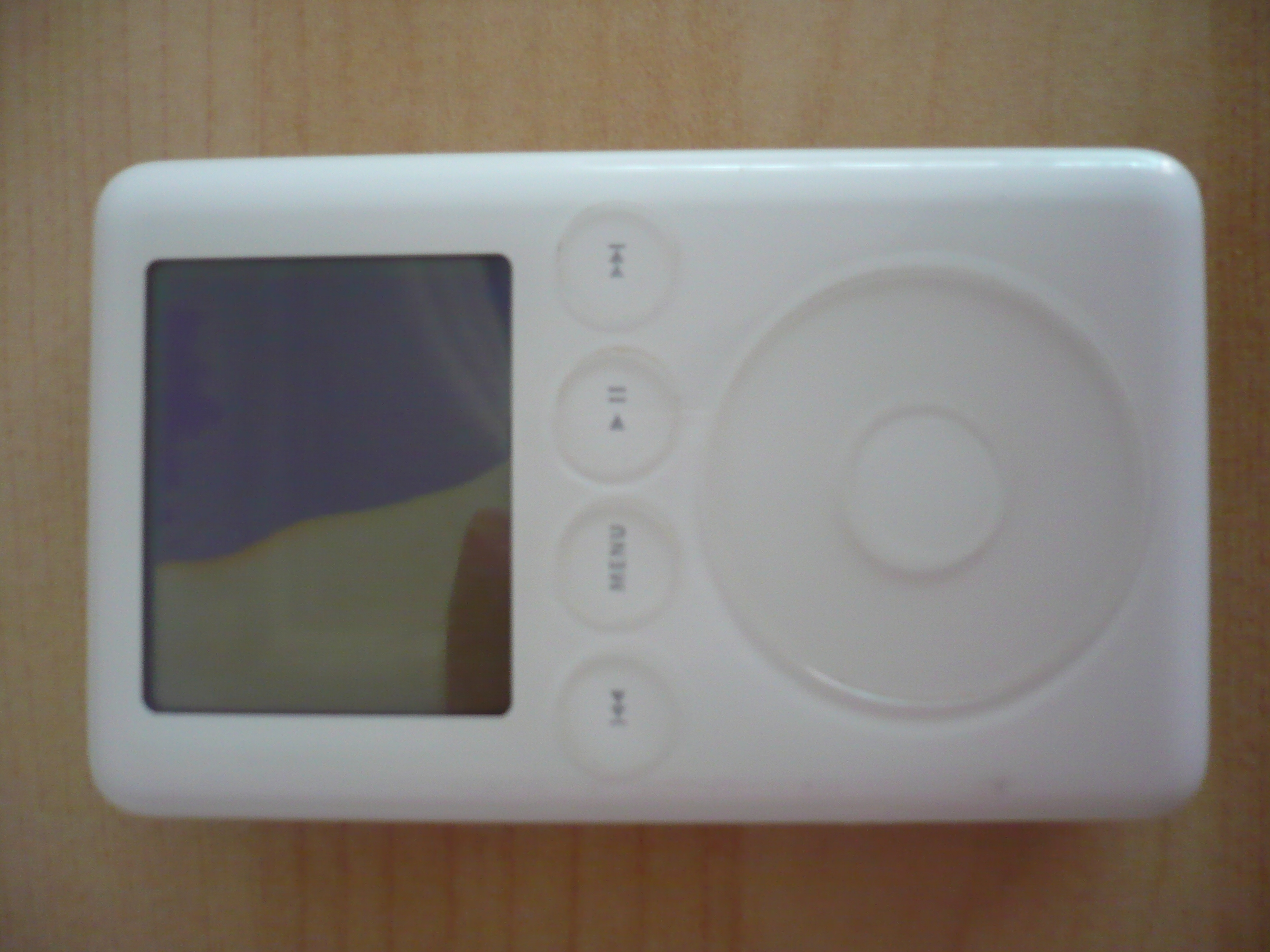
Apple continued the transition to touch with the 3rd generation iPod. Not only was the wheel touch sensitive, all the 4 play, pause and forward buttons were touch sensitive. The 3rd generation iPod was launched on 28th April 2003 in 10, 15, 20, 30 and 40gb versions. A new dock connector was introduced with connection to a free USB or firewire 400 port on the computer.


Our 2nd generation iPod has light scratches and a slightly faulty earphone port while the 3rd generation iPod has a cracked LCD screen. As the LCD has been broken for a long time, the liquid may have leaked and damaged the rest of the internals. It does not respond when plugged in at the moment.

Check back for updates as we take apart the 3rd generation iPod to see what’s inside.