As promised yesterday, here are the pictures of the Apple Lisa.

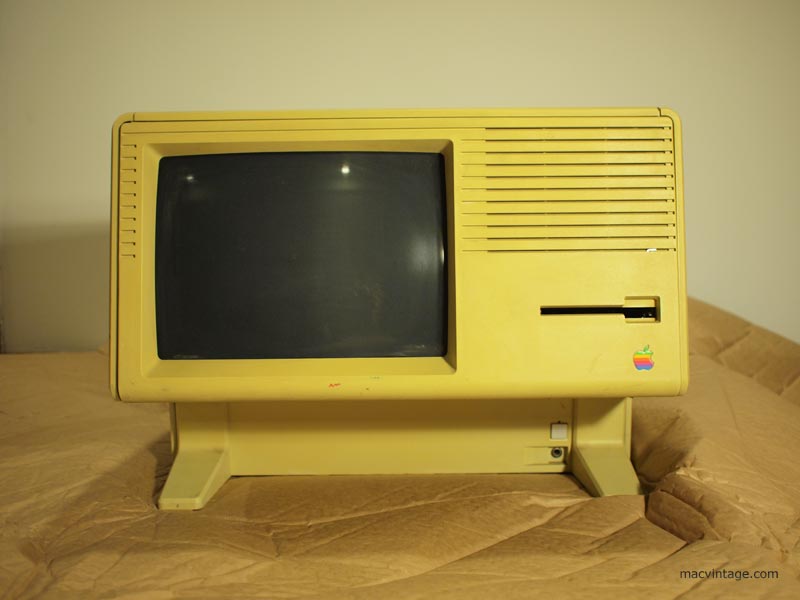
When I purchased it from eBay, the seller posted under item description as faulty for it could not be turned on. Due to the scarcity of the Apple Lisa outside of USA, a bidding war broke out minutes before the auction ended.
Fast forward two years later and here it was. After removing the bubble wrap, I plugged the power cord in and crossed my fingers. Hit the little bottom on the bottom right and to my surprise, it actually lighted up with the sound of a hard disk whirring to life in the background.

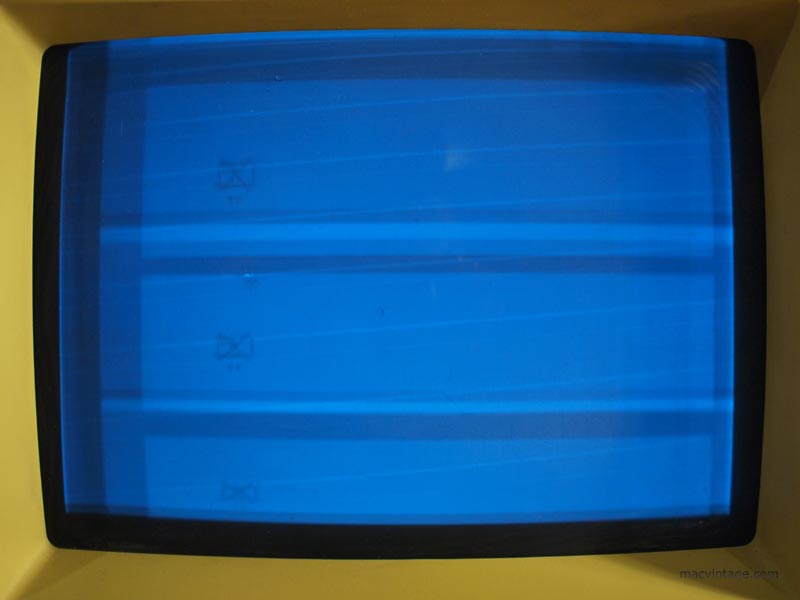
After adjusting the screen, the image was still split in three and I could not make out what was on the screen. Does anyone have any idea if it’s an error message or part of the boot up. One thing to note, I did not plug in the keyboard or mouse at this point.
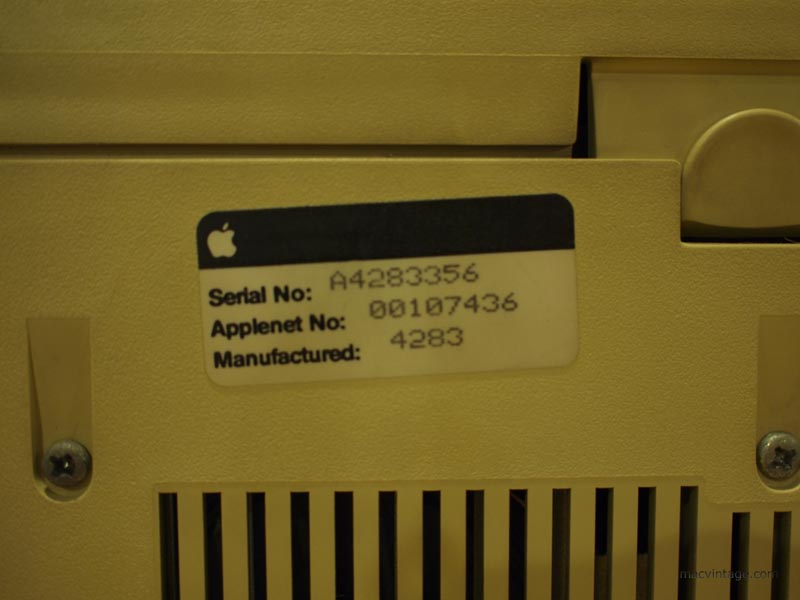

The serial and model number tags are located beneath the computer. I tried to do a search online but could not find out much information about this Apple Lisa. So if anyone knows how to decode the serial number to find out the manufacture date and other facts, do leave a comment.
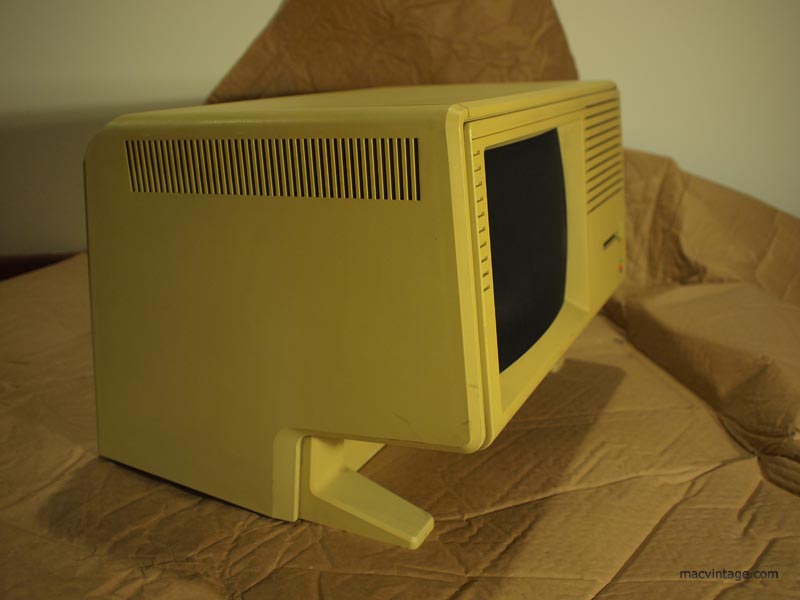
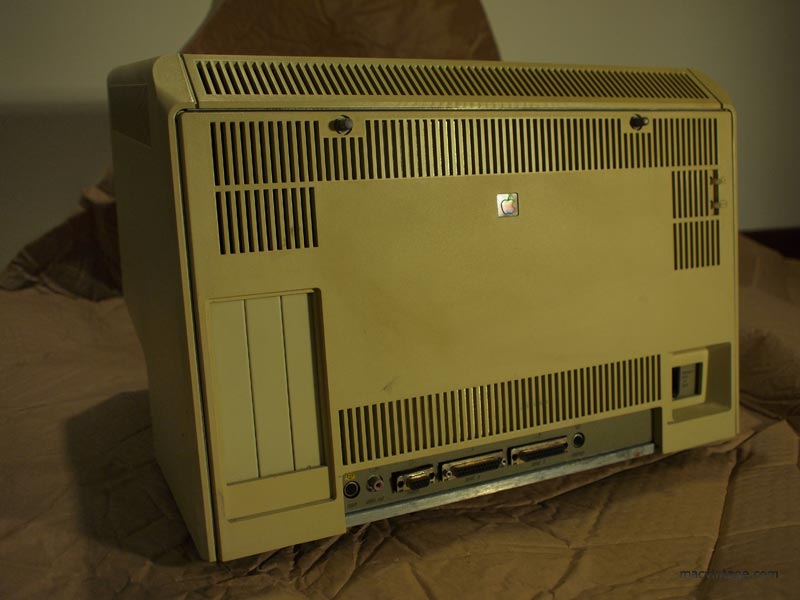
Near the top of the rear access panel are two metal knobs to access the innards of the Apple Lisa. There are three expansion slots on the left but none are installed for this particular machine. Interestingly, there is a port for video out which is the left rectangular connector.
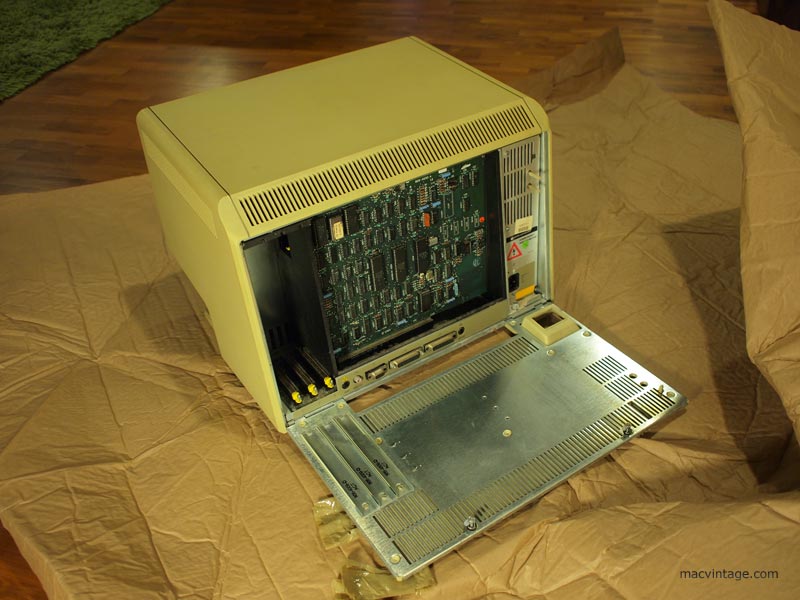
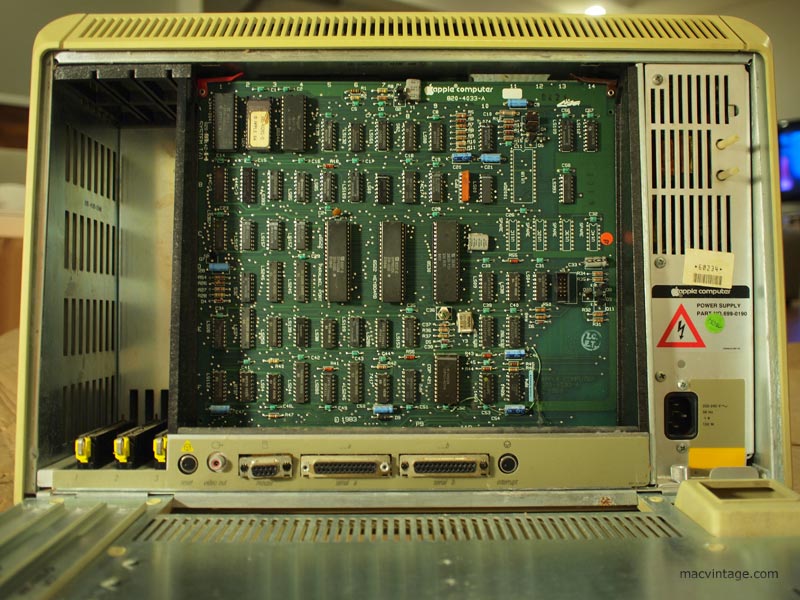
There were three variations of the Apple Lisa sold. The first was the Apple Lisa 1 which came with twin ‘twiggy’ floppy drives. These are really expensive as it is very rare for Apple provided free upgrades to the Apple Lisa 2. When paying more than $10,000 for one of these, you can be sure most people would have sent their Apple Lisa 1 to be upgraded to a Lisa 2.
Apple Lisa 2 has only one 3.5 inch 400k floppy drive. Towards the end of the production run, the Lisa 2 was marketed as the Macintosh XL and could run system 6 through emulation.
Any Apple Lisa technicians out there? I guess the first step is to fine tune the screen to see exactly what’s it trying to display. Perhaps there’s a way to plug in an external display through the rear video port? Any tips or help will be much appreciated.